HomeHow We HelpOur Approach
Directory
Are you a Professional or Organisation
Get Listed
Join other organisations supporting children, young people and families.

Don’t forget Professional Members listย for free

About Us

EHCP & Provision Mapping Tools

From plan to practical support.

Tools to help you turn EHCP provision, identified need and short-term priorities into something clear enough to use.

  • Organise EHCP provision
  • Create short-term targets
  • Match provision to support
  • Build practical provision plans
BOUNCE
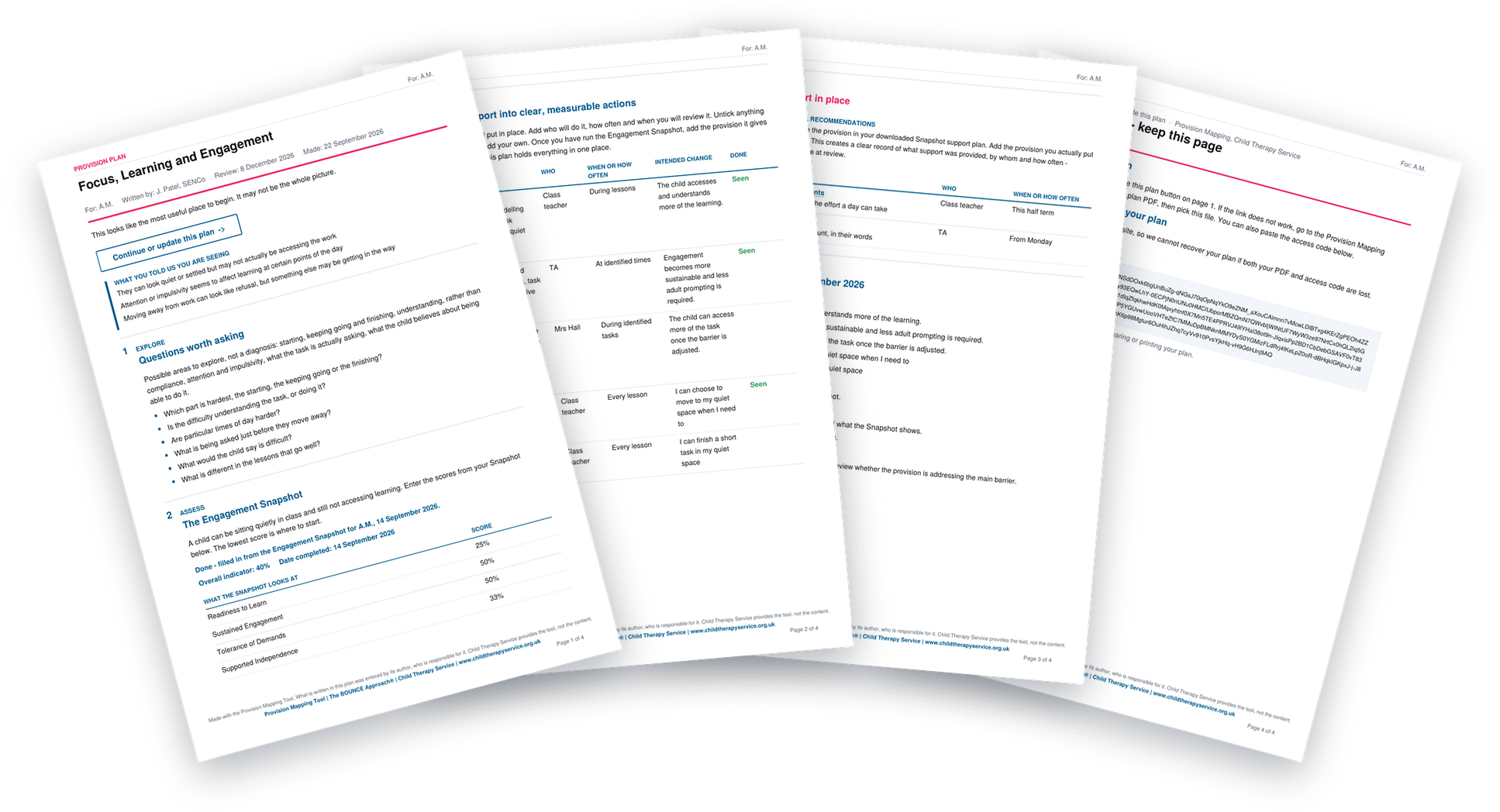
The pages of a finished provision plan fanned out

From paperwork to practice

What do you want to do?

Choose the tool you need, follow the steps and download something useful at the end.
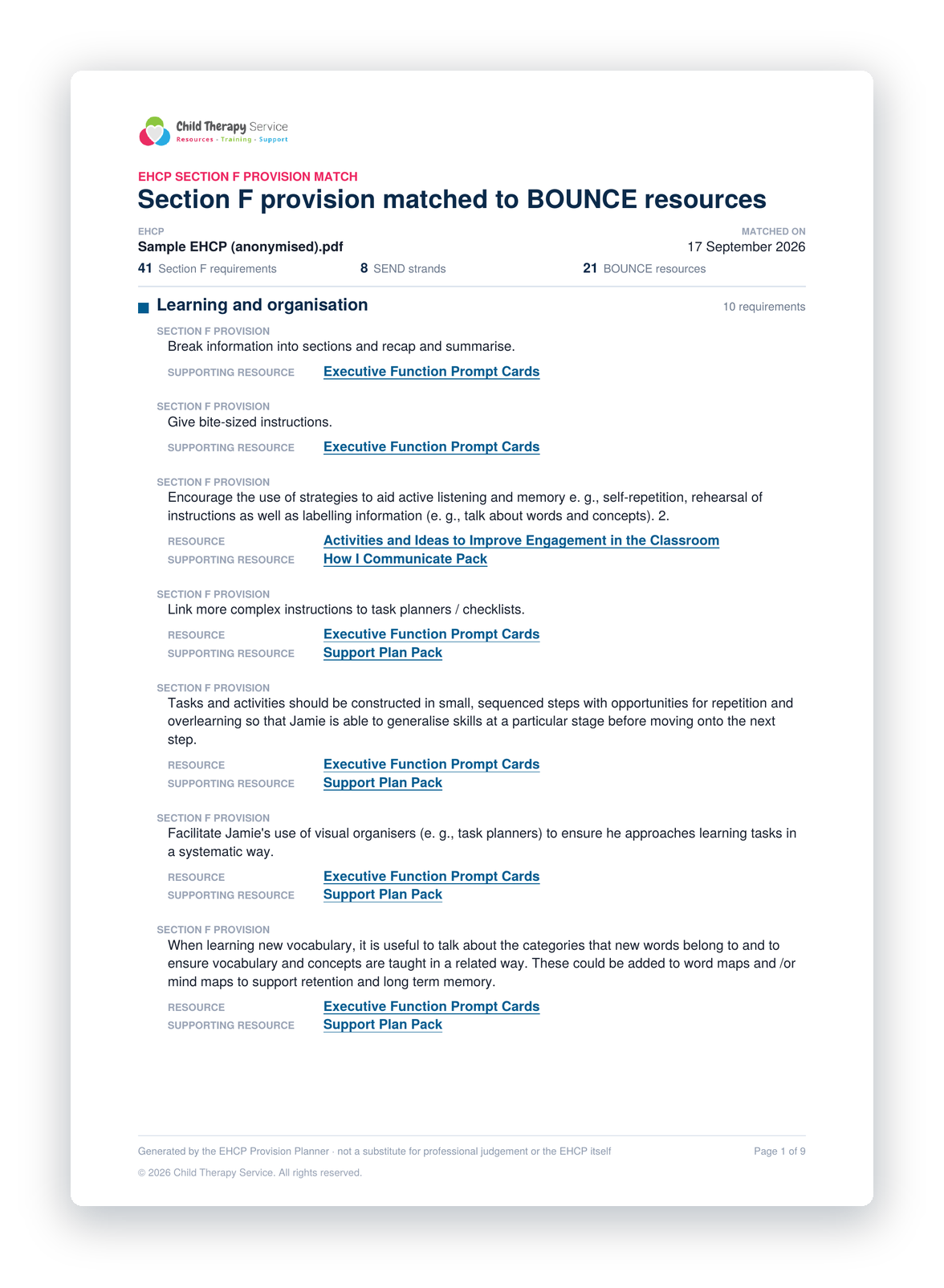
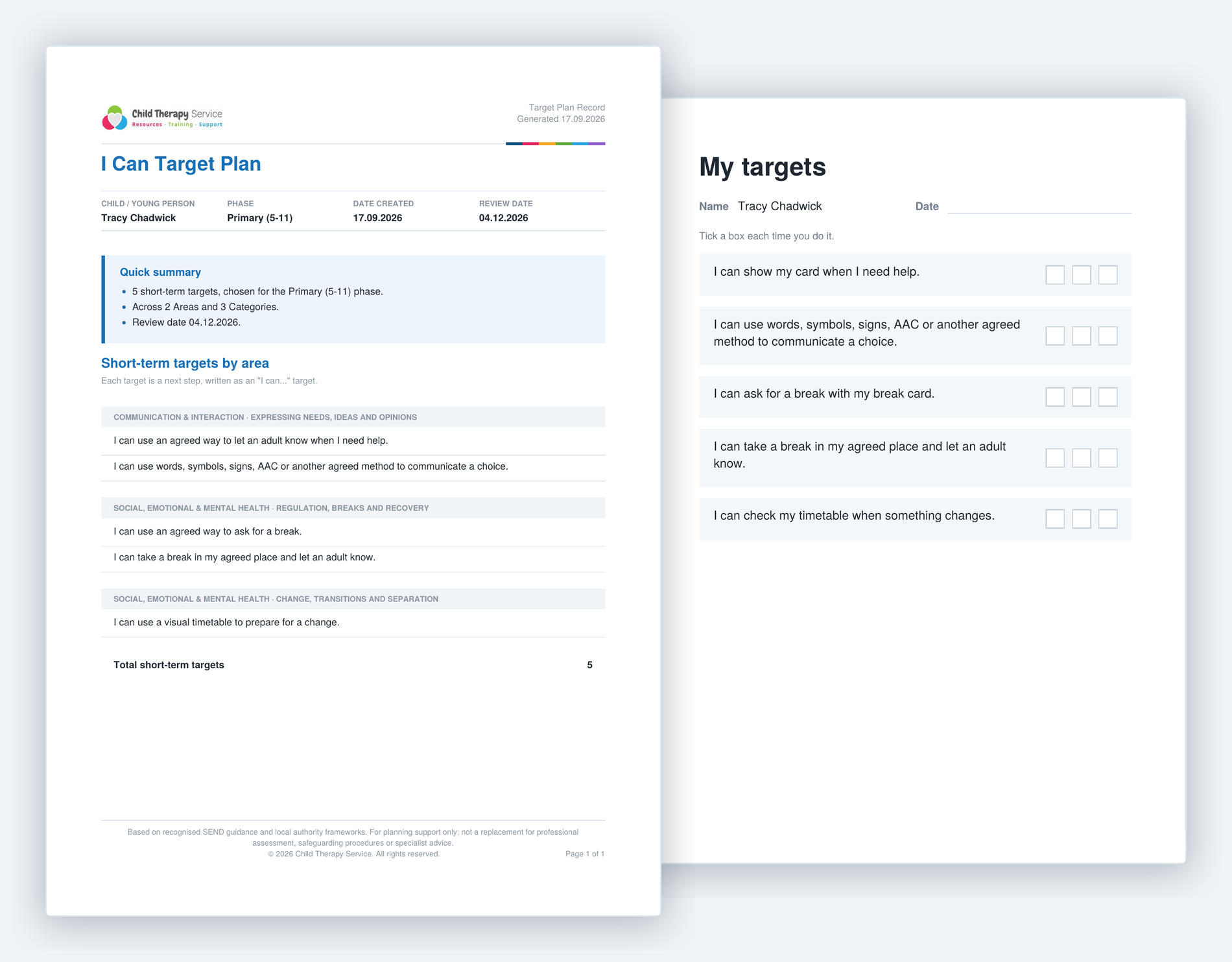
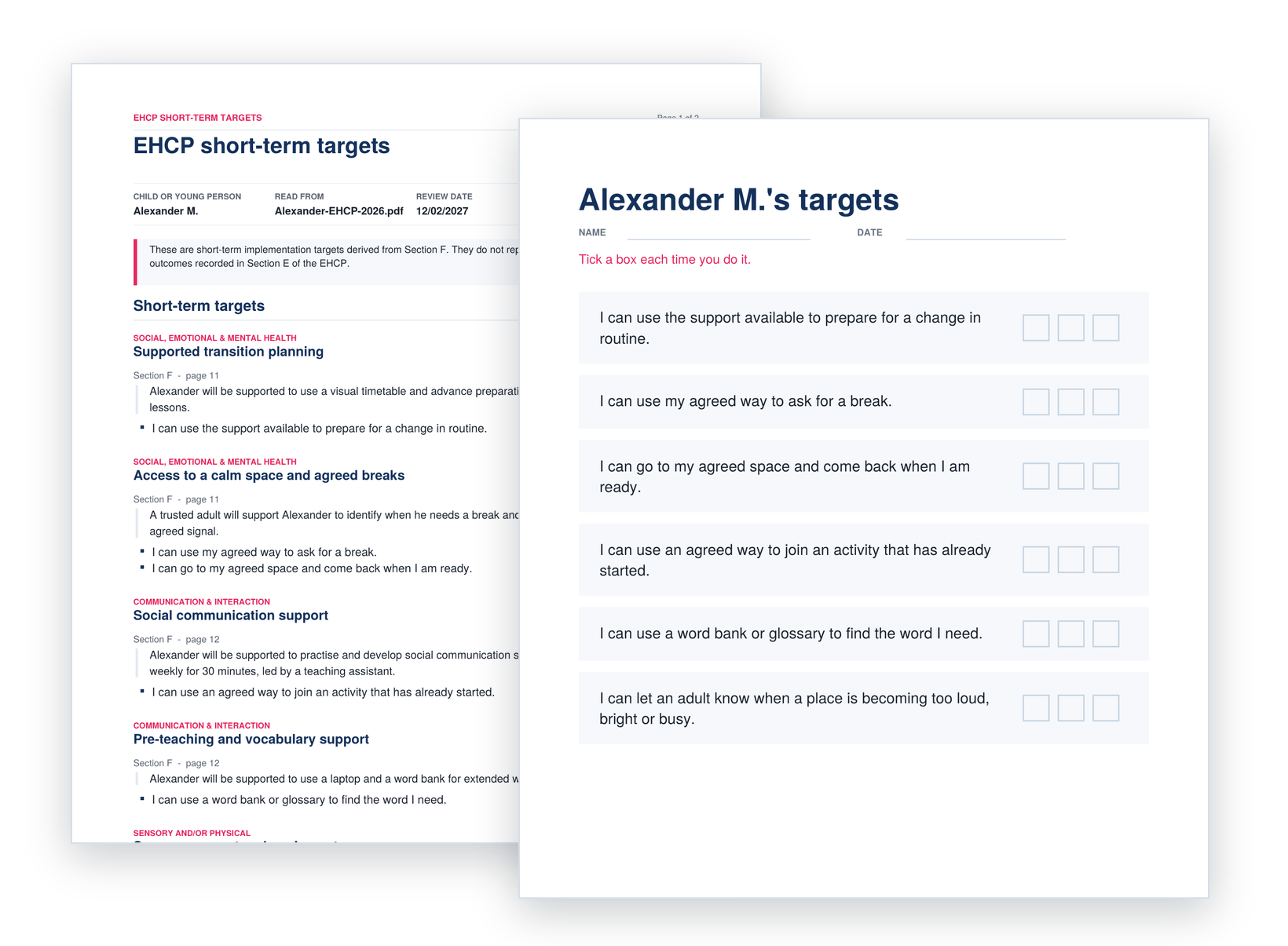
Section F provision organised into SEND strands in the EHCP Provision Planner I can targets and the target plan from the I Can Target Tool Suggested short-term I can targets from Section F of an EHCP Every page of a provision plan, fanned out

EHCP Provision Planner

Add Section F provision and see it organised into SEND strands, with matched BOUNCE training and resources.

Add the provisionSee it groupedFind matched support

Try the EHCP Provision Planner

I Can… Target Tool

Build clear, achievable short-term targets around the child or young person’s current needs.

Download a professional target plan and a simple version for the child or young person.

Choose the age groupPick the area of needBuild the targets

Try the I Can… Target Tool

Short-term Target Generator

Upload an EHCP and turn relevant Section F provision into suggested short-term I can… targets.

You decide which targets are useful.

Upload the EHCPReview the suggestionsDownload the plan

Try the Target Generator

Provision Mapping

Start with what you are noticing about a child or young person and build a practical plan around it.

Or use a code from another BOUNCE tool to carry information forward.

Understand the needChoose the supportBuild the plan

Try Provision Mapping

One connected process

Assess. Plan. Do. Review.

The tools are designed to work together.

  1. Understand the need

    Use an EHCP, Snapshot or what staff are noticing.

  2. Choose the priority

    Identify what needs attention first.

  3. Plan the support

    Turn that into clear provision, targets and actions.

  4. Review

    Come back to what you expected to change.

Then the cycle starts again, from a clearer starting point.

Made to be used

Not another document for the folder.

The aim is simple:

  • Make the information clearer
  • Make the next step easier
  • Make support more useful for the people delivering it

The demo portal is open

Try it for yourself.

You can open the tools, follow the steps and see exactly how they work.

No account needed.

Part of the BOUNCE Learning Portal

Assessment, planning and support in one place.

So the information you gather can help you decide what happens next.

The EHCP and Provision Mapping tools sit alongside:

  • Snapshots
  • CPD training
  • Learning Journeys
  • Professional Studio
  • Intervention resources